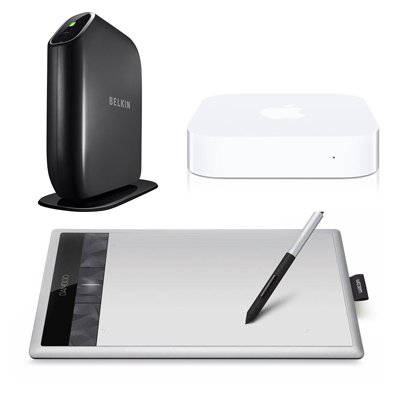
Featuring an all-new design, AirPort Express now supports simultaneous dual-band 802.11n Wi-Fi. Set up your wireless network quickly and easily using your iPhone, iPad, iPod touch, Mac, or PC. Create a network just for guests. Stream music to any room in the house. And print from any room in the house, too. All with the latest wireless technology.
Mac Users Setup and Administration
From an iOS device:
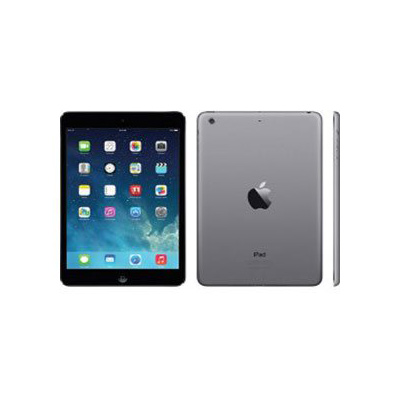
An iPhone, iPad, or iPod touch with iOS 5 or later and the AirPort Utility app
From a Mac:
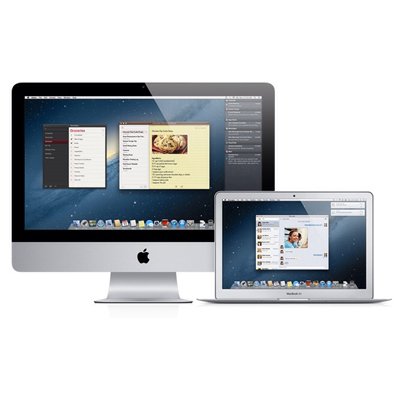
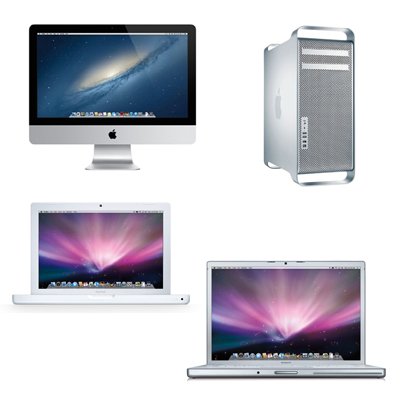
OS X Lion v10.7.3 or later and AirPort Utility 6.1 OS X v10.5.7 or later and AirPort Utility 5.6.1
Wireless Device Access
Any Wi-Fi-enabled device that uses the 802.11a/b/g/n specification Shared Printing with a USB Printer
A USB printer A Mac with OS X v10.2.7 or later
PC Users Setup and Administration
From an iOS device:
An iPhone, iPad, or iPod touch with iOS 5 or later and the AirPort Utility app
From a PC:
Windows 7 or later and AirPort Utility 5.6.1
Wireless Device Access
Any Wi-Fi-enabled device that uses the 802.11a/b/g/n specification Shared Printing with a USB Printer
A USB printer A PC with Windows XP (SP3), Windows Vista (SP1), or Windows 7
*Wireless printing over USB requires a compatible printer and OS X v10.2.7 or later, Windows XP, Windows Vista, or Windows 7.
Wireless Internet access requires a wireless-enabled computer or device, a base station or other access point, and Internet access (fees may apply). Some ISPs are not currently compatible with AirPort Express.
|